
Monthly archive series: September 2026. Written and first published in October 2026.
A listing gallery is easier to follow when its order resembles a thoughtful visit. Viewers need to establish the property, understand the main spaces, see the bedrooms and practical areas, and finish with any remaining exterior or location context. The exact route will vary, but random order makes them do unnecessary work.
Start with the delivered photographs and assign each a purpose. Some introduce the property, some explain a room and some show a connection or feature. A strong gallery uses those roles deliberately instead of treating every attractive image as an interchangeable slide.
Establish the property in the opening group
Choose a lead image that remains clear at thumbnail size, then use the next few photographs to orient the viewer. If the opening is an exterior, move toward the entrance or main interior. If a distinctive room leads, establish the building and overall arrangement soon afterward.
Our guide to choosing the first photograph covers that initial decision. The gallery order is the next step: make sure the images after the lead explain what it introduced rather than abruptly changing the subject.
Keep connected rooms together
Group views of the same room and adjacent spaces logically. A kitchen, dining area and connected living room can form a clear sequence. Then move to another part of the home. Avoid returning repeatedly to the kitchen between unrelated bedroom and exterior images.
For a multi-level property, group levels and use labels or transition views where needed. A buyer should not mistake two angles of one room for separate rooms or assume that spaces on different floors sit beside each other. The sequence and captions should reinforce the actual layout.
Remove repetition before removing useful coverage
Compare similar views and ask what each adds. One may show the room’s main arrangement while another reveals a fireplace, alcove or connection. Both can be useful. Three images with nearly the same information may slow the gallery without helping the viewer understand more.
Do not remove a practical room simply because it is less decorative than the others. A laundry area, useful storage space or entry connection may answer a real question. The goal is a concise, complete presentation, not a set composed only of the most visually dramatic views.
Place plans, outdoor areas and context deliberately
Make the floor plan easy to find using the destination’s available features. If it appears in the gallery, give it a clear position and label rather than leaving it among detail photographs. Check that it remains legible and that room names agree with the rest of the listing.
Group outdoor living areas and site views where they make sense in the route. Neighborhood or shared-amenity photographs should be labeled and should not displace the actual property’s core coverage. A viewer needs to distinguish what belongs to the property from the context around it.
Check the uploaded result, not just the folder
Some destinations may reorder files, choose their own thumbnail or crop images differently from the delivery preview. Open the actual listing on a phone and a desktop browser. Confirm that the selected lead, order and captions survived the upload.
Watch for duplicate files, missing images and outdated photographs left behind after a refresh. The final media check provides a practical review of those publication details. Keep the approved sequence in the property’s media record so later changes do not accidentally undo it.
As a final test, ask someone unfamiliar with the home to describe its main arrangement after viewing the gallery once. If they are confused, investigate the sequence, labels and missing connections before adding more images. A well-ordered gallery helps the photographs work together, giving buyers a readable account of the property instead of a collection they must reorganize in their heads.
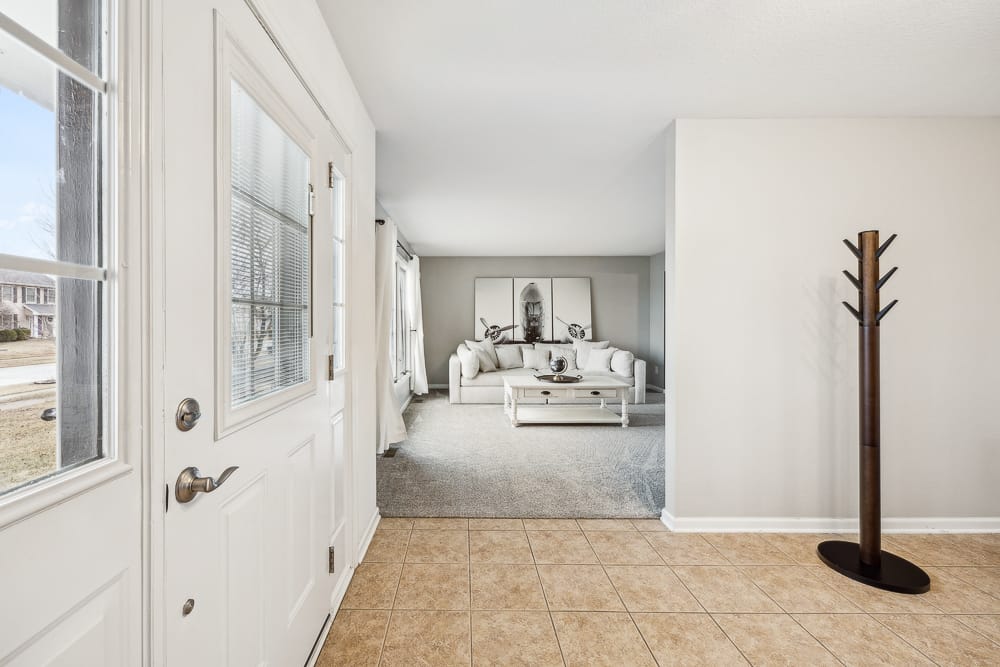
Photograph from the TREM419 property media library, used to illustrate this guide.