OHIO PROPERTY MEDIA

Real estate photography in Bowling Green, OH

Make each room and each entrance easy to understand.

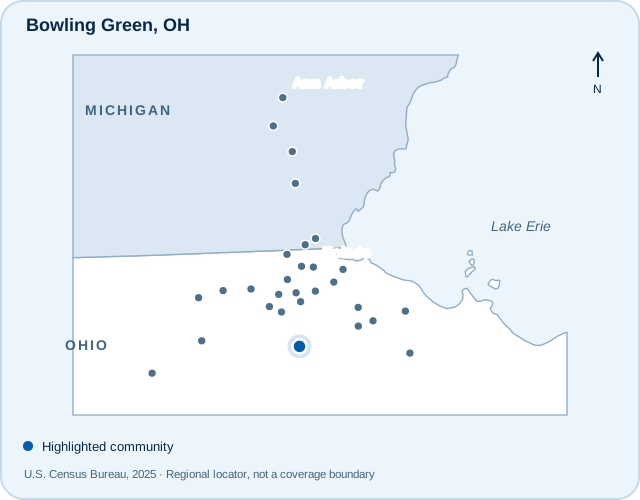
Regional locator highlighting Bowling Green, Ohio

Locator maps show communities served, not office locations or guaranteed service boundaries.

A shoot planned for Bowling Green.

Bowling Green is home to Bowling Green State University, but no single property type defines the city. TREM419 plans coverage around the listing itself, whether the important story is a welcoming family room, a flexible layout or several separately accessed spaces.

Organize an occupied-property shoot

For a rental or multi-unit property, confirm which units can be entered and which rooms are included. Clear labels and a planned sequence help prevent similar-looking rooms from becoming confusing in the finished listing.

Show flexibility with context

An office, study area or finished lower level can make a useful addition to the main photographs. Include a wider connecting view or a floor plan when the relationship between spaces needs explanation.

Bowling Green State University: About BGSU

Community context is provided for orientation. Nearby public amenities are not represented as features, views or access rights included with a particular property.

Choose the media that helps explain the property.

Start with photographs, then add the tools that answer useful questions about the layout, setting or presentation. Services and appointments are confirmed for the actual address.

HDR photography

High-end, tripod-based HDR photography includes AI-assisted blending and human editing. An optional hand-blended upgrade is available; review the current service details before choosing.

Explore HDR photography

Aerial photography

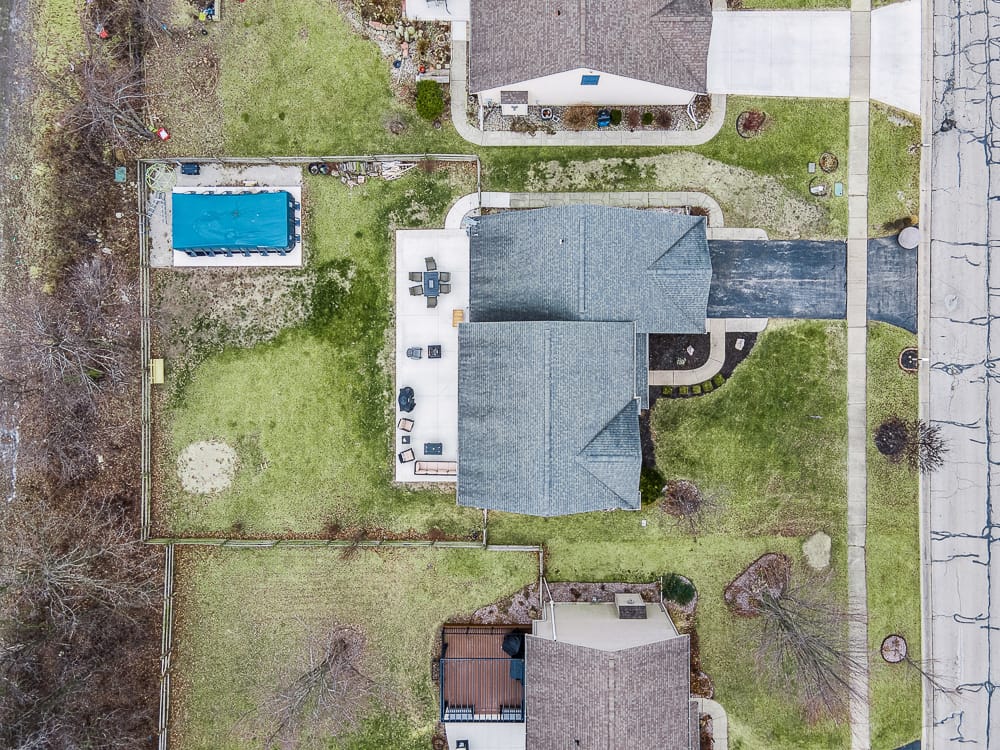
Professionally edited drone photographs can explain the site and surrounding context. Flights depend on the exact address, airspace, weather, permissions and safe operating conditions.

Explore aerial photography

Floor plans

Help viewers connect rooms, levels and circulation with a floor plan. Review the available options and measurement information to choose the right coverage for your property.

Explore floor plans

3D tours

Compare Zillow 3D Home, iGUIDE and Matterport options for an interactive view of the property. Matterport work uses a customer-owned account. Confirm the option and address when planning.

Compare 3D tour options

Photo-based AI video

Turn property photographs into an additional marketing format. This service is created from still images; it does not include an on-site filmed agent walkthrough.

Explore AI property video

Virtual staging

Digitally furnished images can help explain an empty room’s potential. Keep the original property condition clear and disclose altered imagery appropriately in your marketing.

Explore virtual staging

A look at the work.

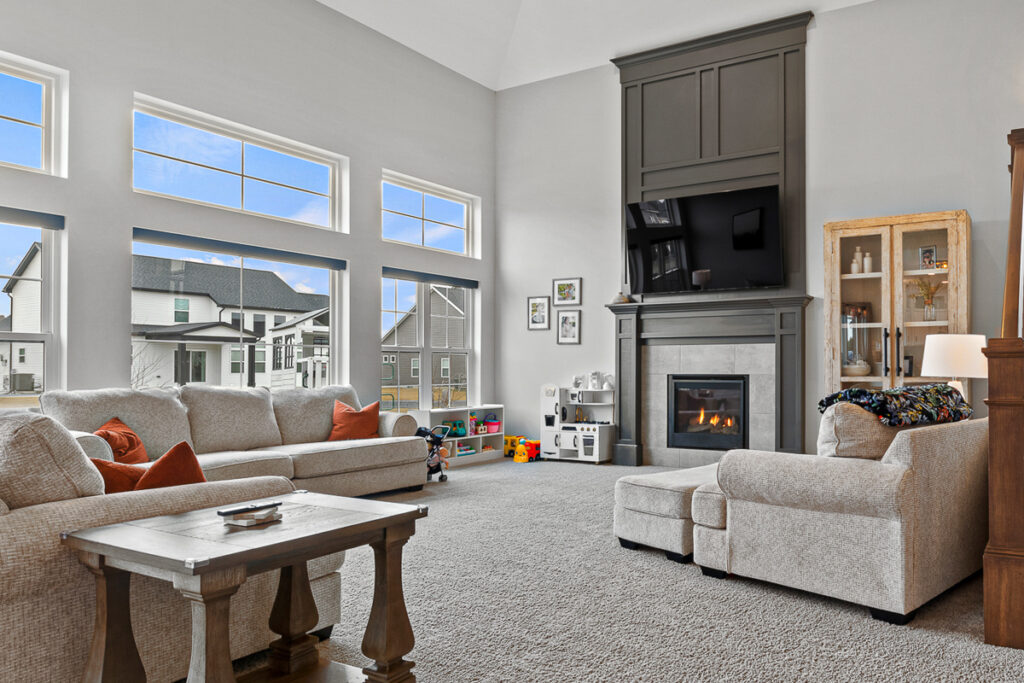
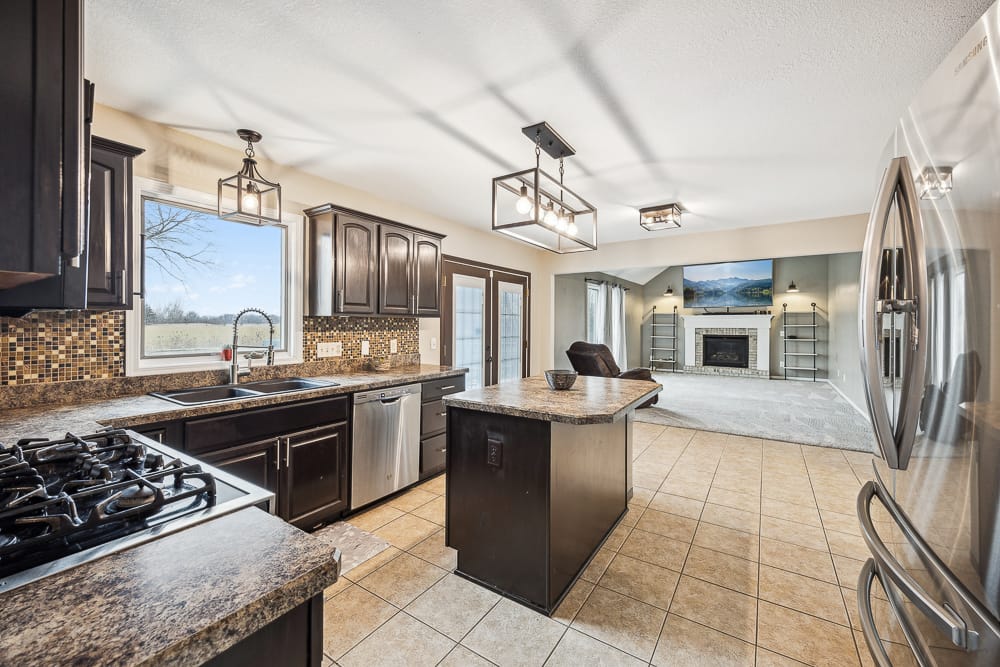
Examples from the TREM419 portfolio. These images show our approach and are not presented as photographs taken in every community listed here.

Bright living room with large windows, cream seating, and a tall gray fireplace.Kitchen with dark cabinetry, a stone-topped island, and stainless steel appliances.Overhead aerial view of a house, driveway, backyard patio, and pool.
Explore the portfolio

Planning your Bowling Green shoot

What do you need for a Bowling Green rental or investment property?

Provide the address, number of spaces or units to be covered, access permissions and any tenant scheduling restrictions. Tell us how the media will be used so the requested coverage can be confirmed before the shoot.

Let’s plan your Bowling Green property.

Have the full street address, property type, requested coverage and access instructions ready. Review current services, pricing and terms before confirming your shoot.

Coverage starts with the address.

Serving a community does not mean every date, service combination or drone flight is automatically available. For outer markets, confirm travel details and the appointment before coordinating occupants or other contractors.

How the process works Read the service terms