
REAL ESTATE VIRTUAL STAGING
Help viewers picture the possibilities.
Add virtual staging to your property presentation. Give viewers a visual starting point for imagining how a room could be furnished and used.
THE RIGHT DETAIL, IN THE RIGHT PLACE
Show potential with a clear visual story.
Virtual staging adds furnishings to selected photographs. Use it thoughtfully to explain a room’s possibilities while keeping the distinction between its current appearance and its staged presentation clear.
- Focus attention on a room’s possible use.
- Support a consistent look across selected spaces.
- Pair staged images with clear labeling and the original photographs.
EMPTY TO INVITING
Picture the room furnished.
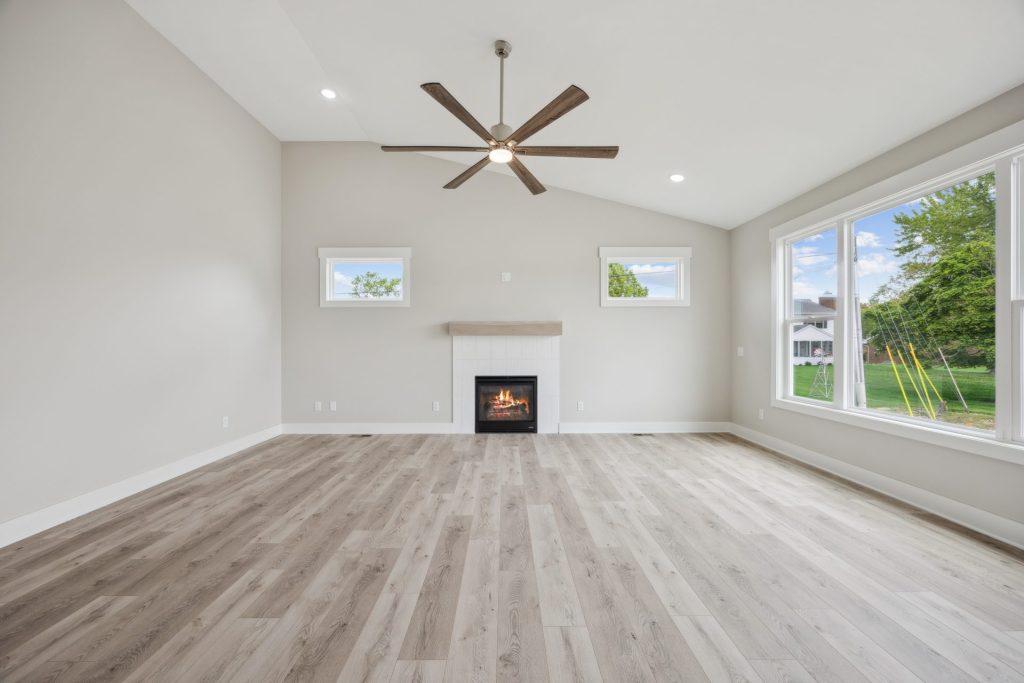
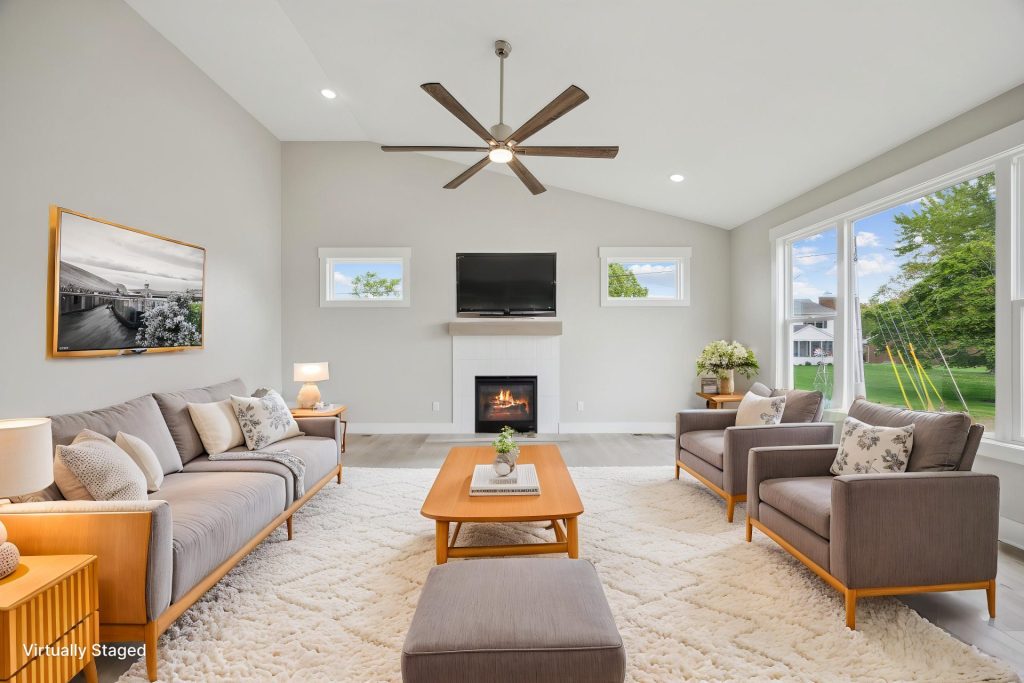
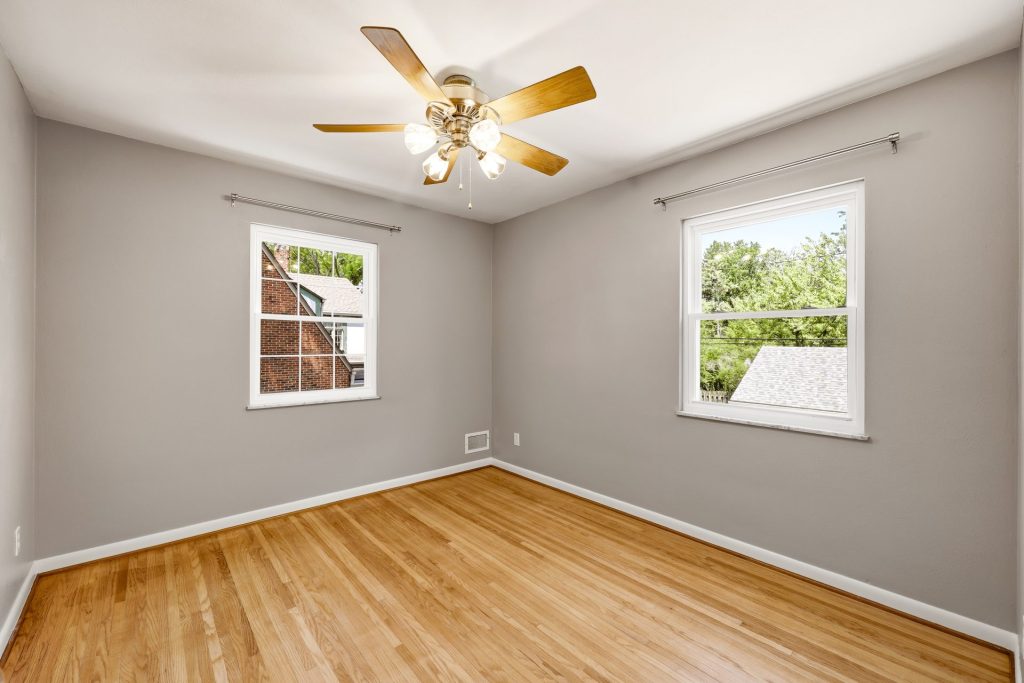
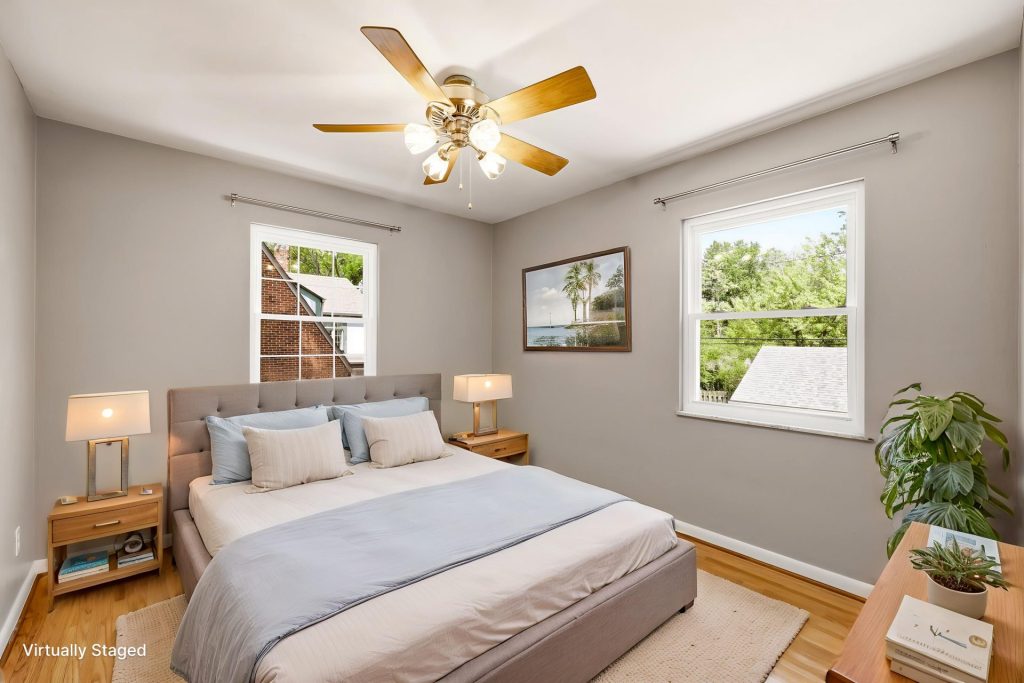
Slide between the original room and its virtually staged version. See how furniture, artwork and a considered layout can help buyers imagine the space.
MORE ROOMS, MORE POSSIBILITIES
Give each space a clear purpose.
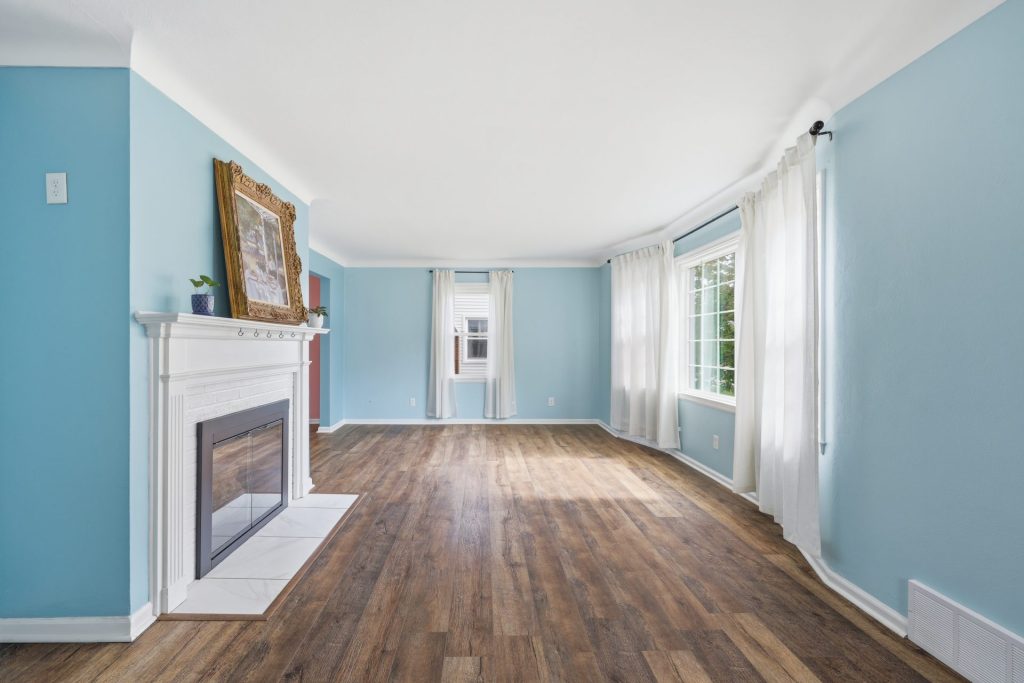
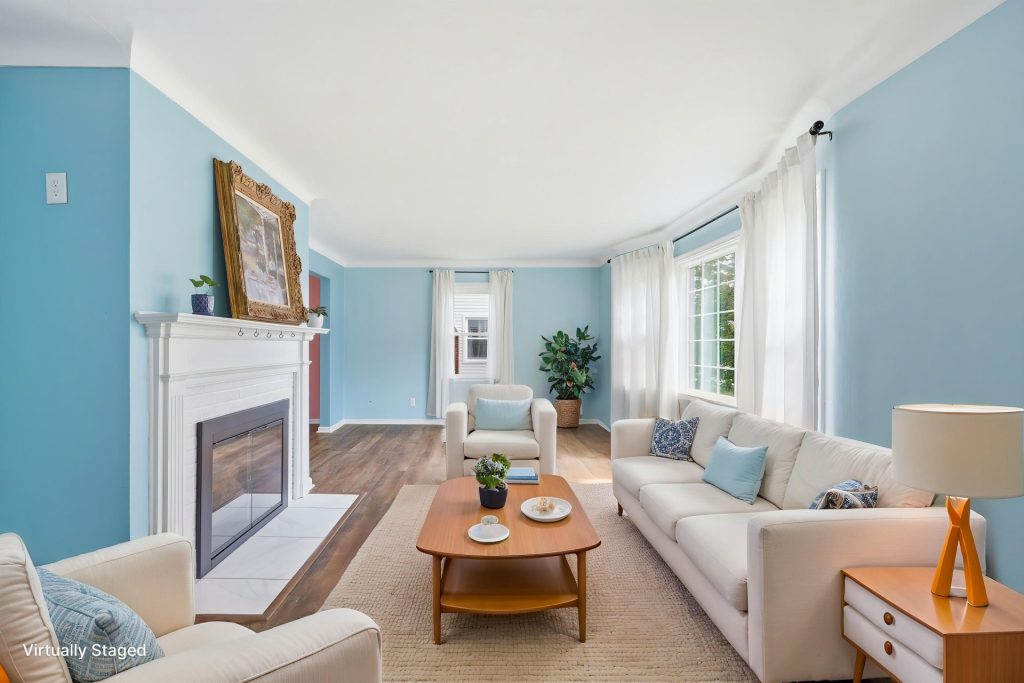
A welcoming sitting room and a restful bedroom show two more ways to present an empty space. Each comparison keeps the original photograph available.
A bright living room.
A restful bedroom.
BEFORE THE SHOOT
A little preparation goes a long way.
- Choose the rooms where a furnished view would be most useful.
- Share the style and intended use you have in mind.
- Keep the original images available alongside the staged versions.
GOOD TO KNOW
Virtual staging FAQs
How many images should I have virtually staged?
Choose the rooms where a furnished view will answer a useful question. We confirm the selected images and scope before production. Existing confirmed packages retain their agreed inclusions.
How should I present virtually staged images?
Label them clearly as virtually staged and follow the publishing requirements of your listing platform. Keep the original photographs available so viewers can understand the room as it is.
BUILD YOUR PRESENTATION
Explore the rest of your options.
SHOW THE DIFFERENCE
Keep the original with the staged version.
A clear comparison helps viewers distinguish the room as photographed from the furnishings added digitally. Use visible labeling and check the rules of the platform where the listing will appear.
Read our virtual-staging guide →YOUR PROPERTY. A CLEARER PRESENTATION.