
Monthly archive series: December 2024. Written and first published in October 2026.
Property media becomes difficult to manage when every file is called final, several versions live in different message threads and nobody remembers which images were approved for which use. A simple library prevents the agent or property manager from rebuilding that history each time a brochure, social post or listing update is needed.
The useful system is the one your team will keep using. It does not require an elaborate platform. It requires a consistent property identifier, preserved delivery files and a clear separation between originals, working versions and files already prepared for a particular destination.
Start with one folder for the property
Use an address or another unambiguous internal identifier. If several units or buildings share a site, distinguish them clearly. Include the shoot or delivery date so that a later refresh does not silently replace the evidence of what was captured earlier.
Within that folder, keep the delivered photographs, floor plans, videos and tour information organized by type. A short readme can list the photographer, project contact, delivery date and any important usage or hosting terms. Keep private access credentials out of broadly shared folders and public-facing documents.
Preserve the delivered files
Retain an untouched copy of the original delivery. Make working copies for cropping, text overlays or other authorized adaptations. That way a mistaken crop or over-compressed export does not become the only version available to the team.
Use descriptive version names instead of stacking words such as final and new. For example, a property identifier followed by lead-exterior, web and a date is easier to understand than an anonymous screenshot. Keep the photographer’s original filenames available in the delivery folder so questions can be traced to a specific image.
Record permission alongside the asset
Possessing a file does not automatically answer every usage question. Keep the project’s license or agreement with the media record and confirm permitted channels, sharing and reuse when needed. The National Association of REALTORS® discussion of listing content explains why photographs and other creative listing material can involve copyright protection.
If another agent, owner, builder or publication requests the images, check the relevant permission before forwarding them for a new use. Do not infer unrestricted transfer from the fact that an image once appeared in a public listing. Ask the rights holder when the intended use is unclear.
Separate the current presentation from the archive
Create a clearly named current-marketing folder or selection list. Keep superseded images in an archive with notes explaining why they were replaced. A kitchen renovation, exterior repaint or changed outdoor feature may make an older photograph unsuitable even if it is visually strong.
Tour links also need context. Record the property, provider and any known hosting arrangement, then test the link before each new campaign. Avoid assuming that a link will remain active indefinitely or that every destination supports the same embed. Keep a contact route for resolving a delivery or access problem.
Make handoff easy for the next person
Someone opening the library should be able to identify the current lead image, complete gallery, floor plan and approved video versions without asking several colleagues. Include useful captions and factual labels where needed, especially for shared amenities, representative images or virtual staging.
- Preserve the original delivery and its source.
- Identify the currently approved files and sequence.
- Keep usage terms and project contacts accessible to the responsible team.
- Label older, edited and destination-specific versions clearly.
- Check links before reusing them in a new campaign.
The TREM419 delivery process provides the starting handoff. Build the library around that delivery, then use the project contact for questions about a missing file, revised version or new use. A modest, consistent system makes the media easier to reuse accurately without creating extra work every time the listing changes.
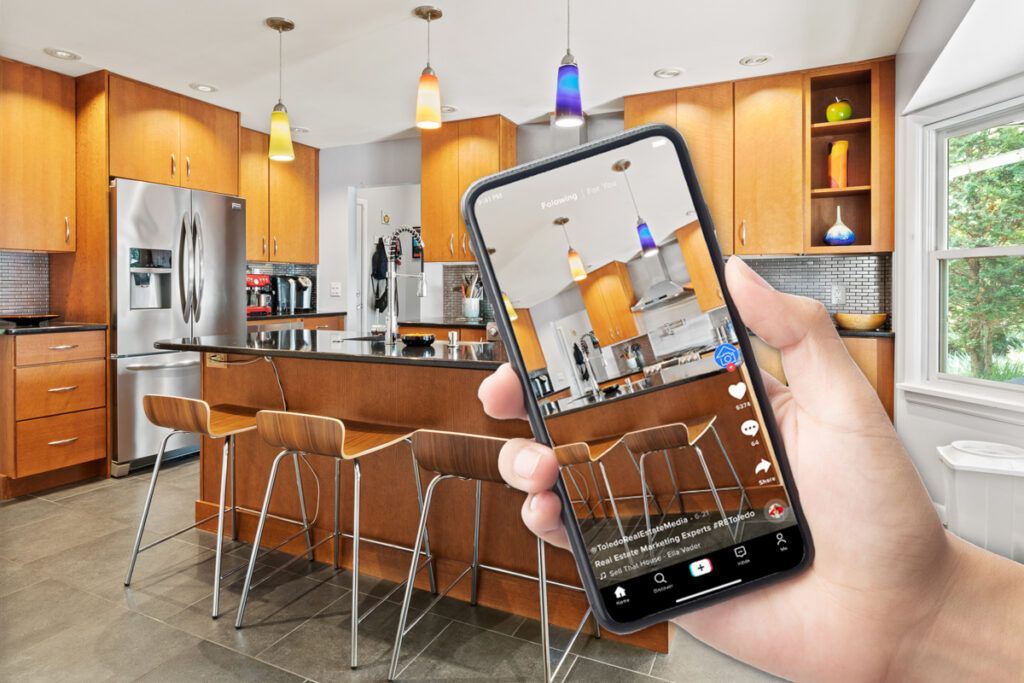
Photograph from the TREM419 property media library, used to illustrate this guide.