
Monthly archive series: March 2026. Written and first published in October 2026.
The most efficient way to keep private information out of property media is to put it away before capture. A document on a counter, an open screen or a reflection in a mirror can be easy to overlook while cleaning. Once the image is distributed across several destinations, correcting every copy becomes a more complicated task.
Make privacy a separate walkthrough after ordinary preparation. Give the owner or authorized occupant responsibility for deciding what should be stored. The photographer should not have to read documents, open drawers or guess which visible details are sensitive.
Look for information, not just clutter
A tidy desk may still display names, account details or a work calendar. Check mail, labels, medical paperwork, school notices and anything that identifies a person’s routine. Put those items in an agreed private storage location rather than turning them face down where they may be moved during the shoot.
Consider photographs and personal keepsakes too. Different households have different preferences about what may appear publicly. Resolve those choices before the appointment, especially when an agent, manager or family member is coordinating on someone else’s behalf.
Check screens and reflective surfaces
Turn off unnecessary televisions, monitors and tablets. Look for information on smart displays or other devices that remain active. Avoid disrupting essential equipment; if a device cannot be turned off safely, explain the issue to the photographer and decide on an appropriate approach.
Mirrors, glass doors and glossy surfaces can reveal areas outside the obvious camera view. Walk through likely sightlines and look at the reflections themselves. A hallway calendar or desk behind the camera may still be visible in the finished image.
Store security details and valuable items
Put away written access codes, spare keys, visible credentials and documents showing security arrangements. Do not include working entry information in a public caption or marketing file. Keep the photographer’s access instructions in the agreed private communication channel.
Owners may also wish to store portable valuables and sensitive collections. Handle that before the appointment rather than asking the photographer to move or safeguard them. The objective is a prepared room and a clear scope, with personal decisions remaining with the person authorized to make them.
Expand the review for tours and video
A virtual tour can show directions beyond a selected still photograph. Video may reveal connecting areas while the camera moves. Review the entire agreed route, not just the primary room angles. The tour preparation guide explains why consistent whole-room readiness matters.
For an occupied rental or business, the responsible manager should coordinate permission, notice and preparation with the people involved. Do not treat a photography booking as authority to publish private belongings or confidential workspaces without the agreed access and presentation arrangements.
Leave a simple issue-reporting route
Tell the photographer about any unresolved concern before capture. If an item cannot be removed, identify it precisely and discuss the practical options. Do not assume every problem can be repaired later through editing, especially when it appears in multiple views or an interactive tour.
After delivery, review the images and tour before distributing them. If something sensitive appears, provide the exact filename or tour location through the project contact and pause use of the affected material while the issue is assessed. Keep the sensitive information itself out of unnecessary forwarded messages.
The TREM419 process guide gives the broader preparation and delivery sequence. Add this privacy pass near the end of preparation, when the rooms are otherwise ready. A slow check of surfaces, reflections, screens and access details is more practical than relying on everyone to notice the same issue after the files have already been uploaded in several places.
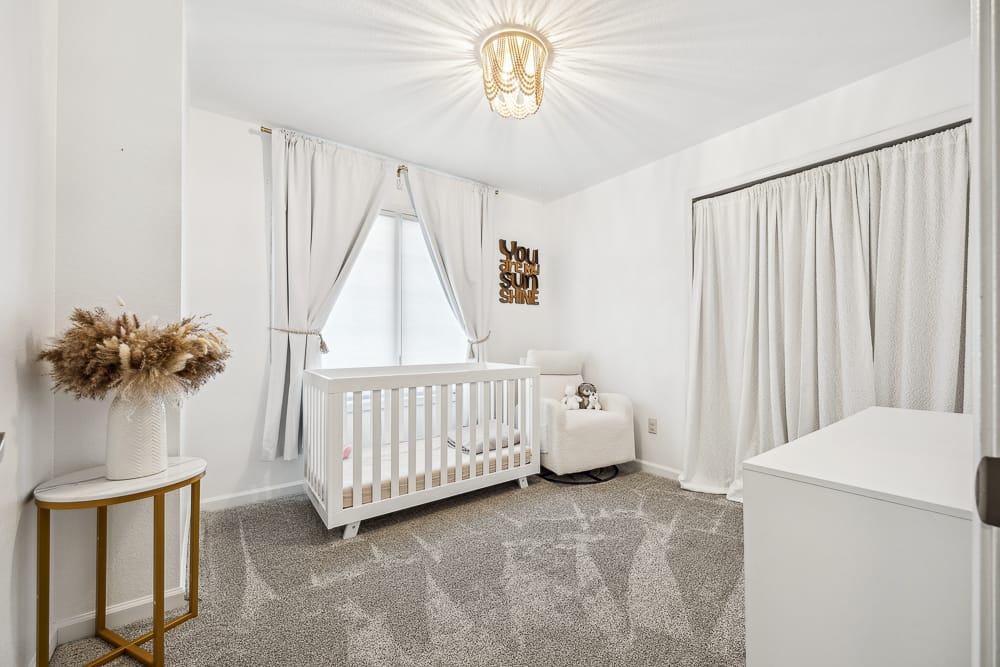
Photograph from the TREM419 property media library, used to illustrate this guide.